Cart is empty
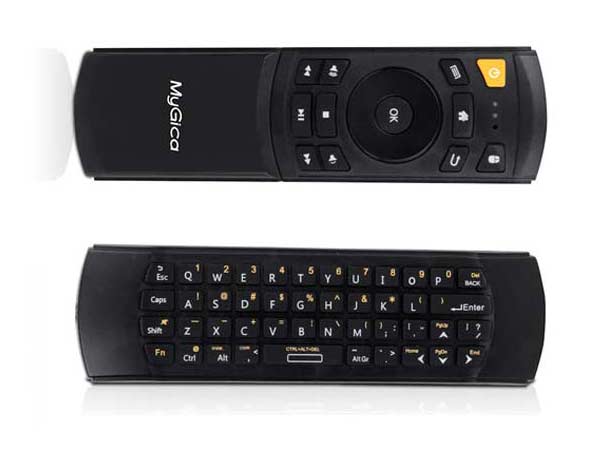
REMOTE CONTROL WITH AIR MOUSE MYGICA KR41
- Islandwide Delivery Available
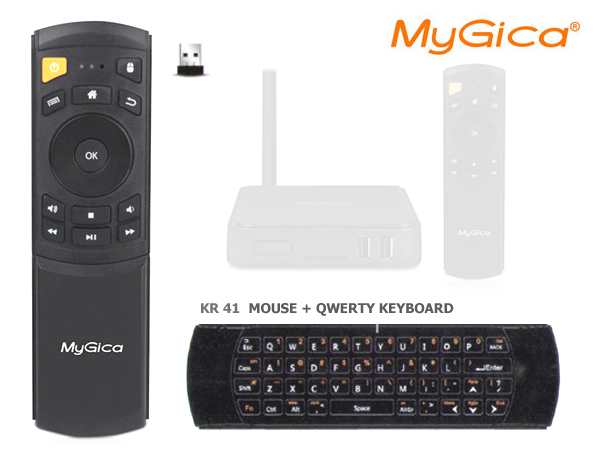
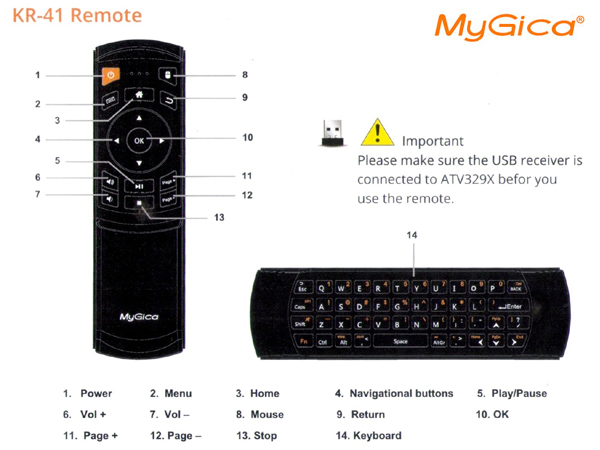
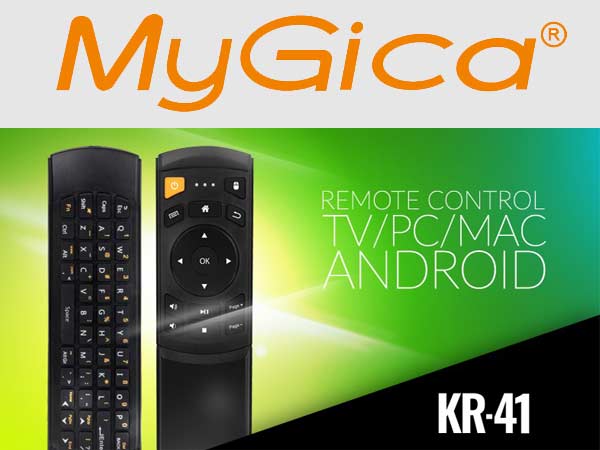
Remote - KR41 Mouse (Non-Air) and keyboard
MyGica KR-41 AVAILABLE FOR LIMITED TIME ONLY!!!
Just plug the USB Wireless Dongle into any Android, Linux, or Windows-based set-top box, make sure your 2 x AAA batteries are in - and you're ready to go!
Connectivity technology: Infrared, Radio Frequency 2.4GHZ
Keyboard, and Mouse
USB Wireless
Non-Motion Remote
Works for: Andriod TV Box, Linux Box, Windows Box / PC
Operating system: Android, Linux, Windows
Support Andriod TV Boxes:
Supports All MyGica Models, Streaming Players, DTH, etc.,
MyGica ATV 329X, MygIca ATV 495X, MyGica ATV 585, MyGica ATV 582, MyGica ATV 1800, MyGica ATV 1900 pro, MyGica ATV 495 pro
Download PDF
Protocol:Wireless radio frequency(RF) + IR
Mouse: Pointer type (non-motion)
Frequency band:2.4GHz
Keyboard: 78 keys, Built-in Media Keyboard
Operation Range: 10 meters or more ( reference value )
Size(mm):48*167*19
Power source: Battery-powered 2*AAA battery
Dimensions: 167 x 48 x 19mm
Weight:90g
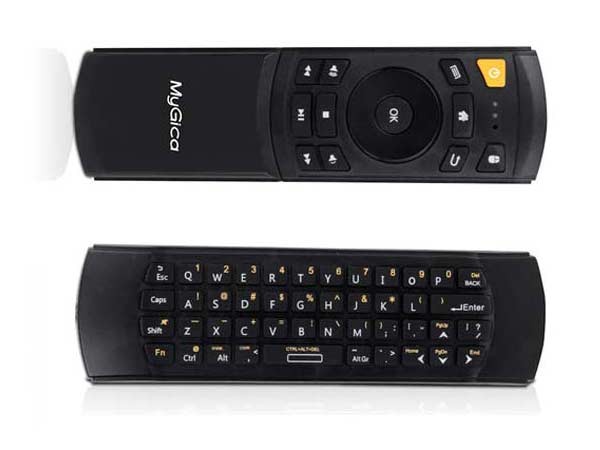
Just plug the USB Wireless Dongle into any Android, Linux or Windows based set-top box, make sure your 2 x AAA batteries are in - and you're ready to go!
Package details:
Remote Control x 1
Dongle x 1
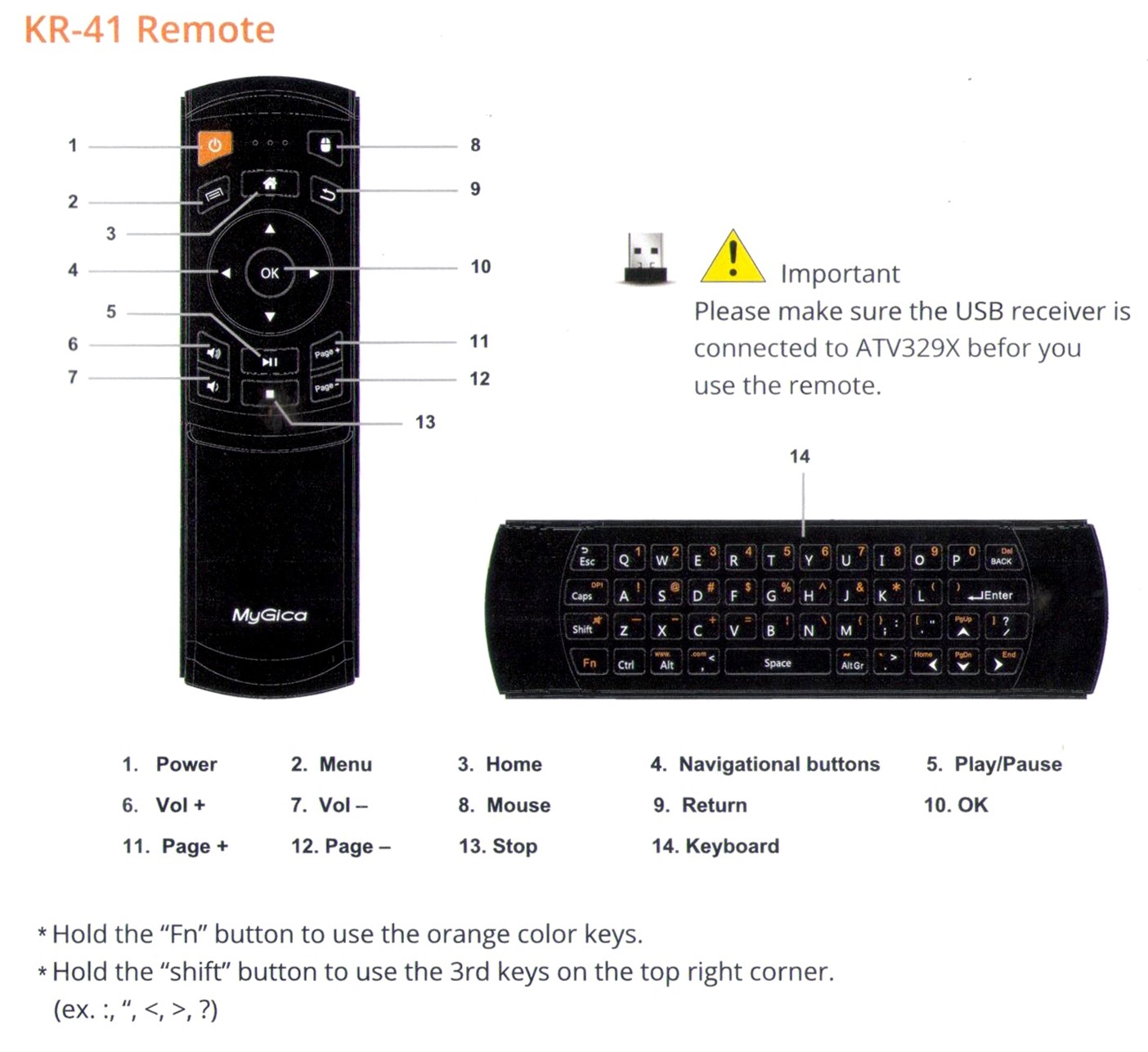
HOW TO PAIR KR41
In order to pair your Remote follow these steps
1. Unhook your USB dongle from MyGica Box
2. Hold down Vol + and Page +
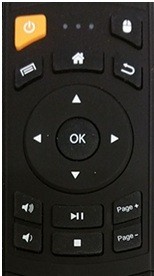
3. Hook up the Dongle to your MyGica Box
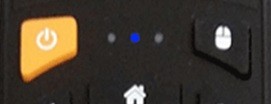
4. Keep holding the buttons till the Flashing blue on your remote Stops
That is all now you have successfully paired your KR41